Your website takes 7 seconds to load. Your competitor’s takes 2 seconds. Guess who gets the booking? Spoiler alert: it’s not you.
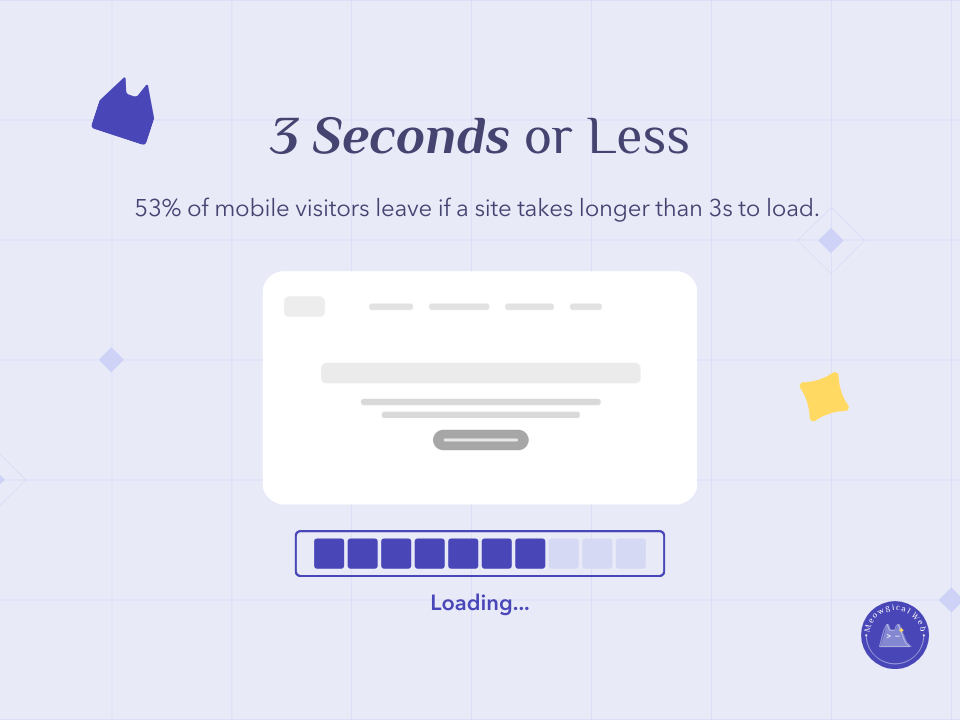
Here’s the brutal truth that most pet business owners don’t realize: 53% of mobile visitors leave if a site takes longer than 3 seconds to load. That’s not even enough time to see your beautiful homepage or read about your services. Additionally, they’re not coming back to give you a second chance.
Think about that for a moment. You spent thousands on professional design, hired a photographer for stunning pet photos, wrote perfect copy about your services. Moreover, half your mobile visitors never see any of it because your site loads too slowly.
Why Speed Matters for Pet Businesses
Pet service searches are often urgent and emotional. Someone needs emergency grooming, last-minute boarding, or a vet appointment right now. They’re stressed, they’re on their phone, and they’re clicking through multiple options quickly. Furthermore, every extra second your site takes to load increases the chance they’ll hit the back button.
Mobile users are especially impatient. They’re often searching while dealing with their pet, driving between places, or managing other tasks. Additionally, they’re frequently on cellular connections that are slower than home wifi. Therefore, every extra kilobyte of data slows your site more on mobile than desktop.
According to Google research on mobile page speed, as page load time goes from 1 second to 3 seconds, the probability of bounce increases 32%. From 1 to 5 seconds, it increases 90%. Moreover, from 1 to 10 seconds, the probability of bounce increases by 123%.
Similar to how security warnings damage trust instantly, slow loading creates negative first impressions before visitors even see your content.
What’s Actually Slowing You Down
Uncompressed photos are the number one culprit. That adorable puppy photo from your professional photographer? It’s probably 8MB straight from the camera. Additionally, when you upload it without compression, every visitor has to download that massive file just to see one image.
Cheap hosting that can’t handle traffic struggles under load. Budget hosting plans often share server resources with hundreds of other sites. Moreover, when those sites get busy, yours slows down too. Your $5/month hosting might be costing you hundreds in lost bookings.
Too many plugins or widgets bog down your site. Every social media feed, live chat widget, analytics tool, and fancy feature adds code that must load. Furthermore, many plugins load scripts on every page even when they’re only used on one page.
Videos that autoplay on every page consume enormous bandwidth. That cute background video on your homepage might look impressive, but it’s forcing every mobile visitor to download megabytes of video data. Therefore, your site feels sluggish while the video loads in the background.
Bloated themes with features you don’t use add unnecessary code. Many website themes include everything imaginable – sliders, parallax effects, complex animations. Additionally, all this code loads whether you use those features or not.
Quick Fixes That Actually Work
Compress all images before uploading them to your site. Free tools like TinyPNG or Squoosh.app reduce image file sizes by 60-80% without visible quality loss. Additionally, aim for hero images under 200KB and smaller photos under 100KB.
Most website builders have built-in image optimization too. WordPress plugins like Smush or ShortPixel automatically compress images as you upload. Moreover, they can go back through existing images and optimize your entire media library.
Choose fast, reliable hosting worth the investment. Companies like SiteGround, Kinsta, or WP Engine specialize in speed-optimized hosting. Furthermore, that extra $10-20 per month pays for itself many times over in conversions from faster loading.
Remove unused plugins and features cluttering your site. Audit everything currently installed and deactivate anything you don’t actively use. Additionally, check your theme settings and disable fancy features you don’t need.
Use lazy loading so images only load as visitors scroll. This means your initial page load is much faster because it only loads images visible on screen. Moreover, images further down the page load just before visitors reach them.
Enable browser caching so repeat visitors load your site faster. Caching stores certain files locally on visitor devices. Therefore, when they return to your site, their browser doesn’t need to download everything again.
Minify your CSS and JavaScript to reduce file sizes. This removes unnecessary spaces, comments, and formatting from code files. Additionally, many optimization plugins handle this automatically.
Testing Your Speed Right Now
Go to pagespeed.web.dev right now and enter your website URL. Google’s PageSpeed Insights tool shows exactly how fast your site loads on mobile and desktop. Additionally, it provides specific recommendations for improvement.
Pay attention to your mobile score especially. Most pet parents search on phones, so mobile speed matters more than desktop. Moreover, Google uses mobile speed for ranking, so slow mobile performance hurts your search visibility.
Look for scores in the green range (90-100). Yellow (50-89) means you have room for improvement. Furthermore, red scores (0-49) indicate serious speed problems that are definitely costing you conversions.
The tool shows specific issues slowing your site. You’ll see things like “Properly size images” or “Eliminate render-blocking resources.” Additionally, each suggestion includes potential time savings if you fix it.
Test your competitor’s sites too. See how your speed compares. If they load significantly faster, that’s giving them a competitive advantage. Moreover, you can analyze what they’re doing right that you could implement.
The Conversion Impact
Every second of delay directly impacts conversion rates. Research by Portent found that sites loading in 1 second have a conversion rate 3x higher than sites loading in 5 seconds. Furthermore, conversion rates drop by an average of 4.42% with each additional second of load time.
For pet businesses, this translates directly to bookings. If 100 qualified visitors come to your site weekly and 5% normally book, that’s 5 bookings. Additionally, improving your load time from 5 seconds to 2 seconds could increase that to 10-15 bookings weekly from the same traffic.
Fast sites also rank higher in Google. Page speed has been a ranking factor for years. Moreover, Google’s Core Web Vitals update made speed even more important for search visibility. Therefore, faster sites get more traffic AND convert that traffic better.
Visitors perceive fast sites as more professional and trustworthy. Speed signals that you’re current with technology and care about user experience. Furthermore, it creates positive associations that carry through the entire booking process.
Making Speed a Priority
Check your site speed monthly using PageSpeed Insights. Make it a recurring calendar reminder. Additionally, test after any major changes to catch new issues quickly.
Compress images before uploading as standard practice. Never upload photos directly from cameras or phones. Moreover, make compression part of your workflow so it happens automatically.
Review your plugins quarterly and remove anything unused. Sites accumulate plugins over time. Furthermore, regular audits prevent gradual slowdown as features pile up.
Consider upgrading hosting if speed tests consistently show server issues. Sometimes optimization only gets you so far. Additionally, better hosting provides noticeable improvement across your entire site.
Speed isn’t flashy or exciting. Nobody books with you because your site loads fast. However, thousands choose your competitor because yours loads slow. Therefore, speed is invisible when it works but devastating when it doesn’t.
Test your site speed right now at pagespeed.web.dev. What’s your mobile score? If it’s below 90, you have work to do. Moreover, every point of improvement translates to real bookings you’re currently missing.
What’s your site speed score? Go test it and see!