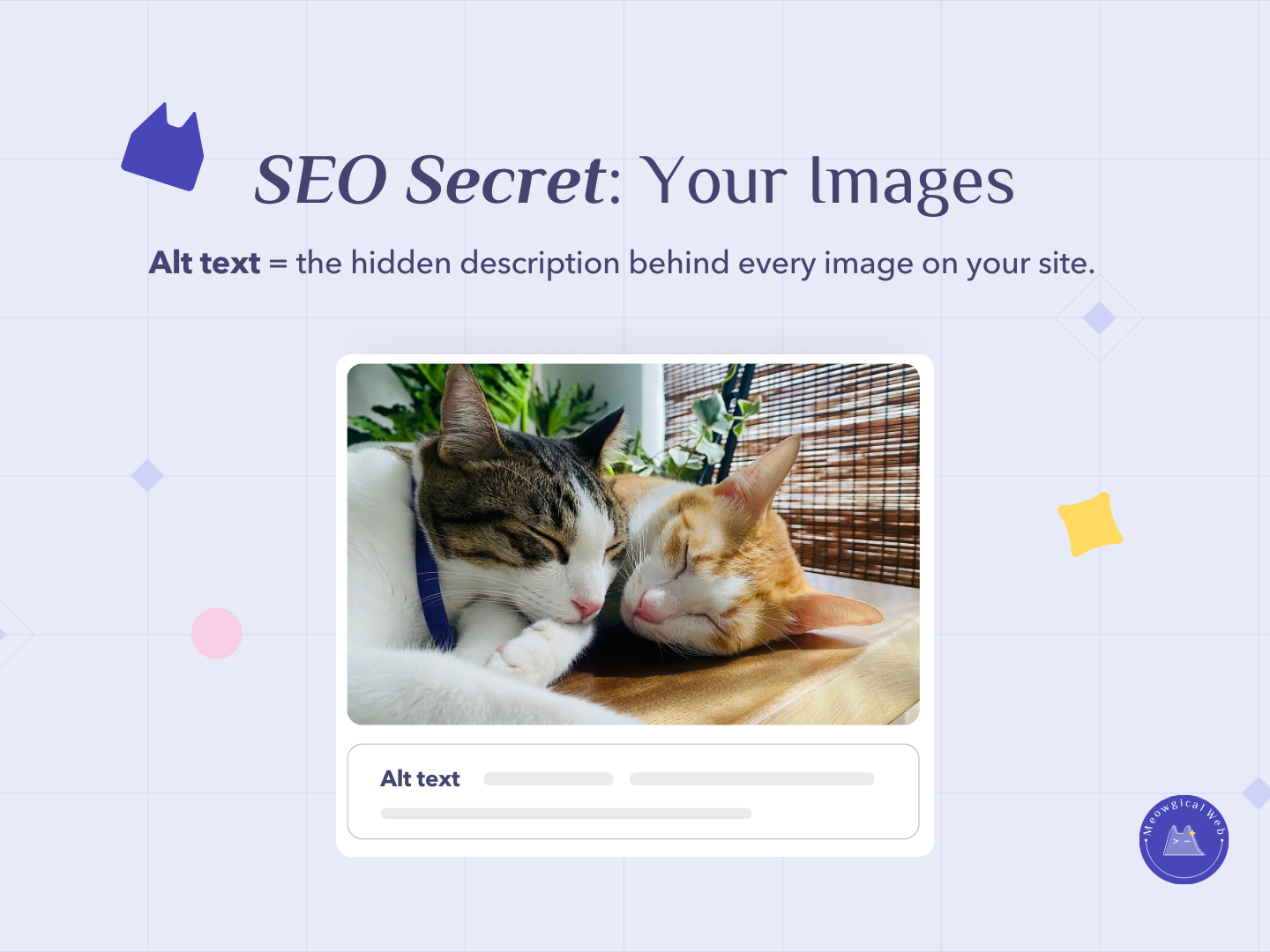
Google can’t see your adorable pet photos. That gorgeous shot of a freshly groomed golden retriever? Google has no idea it exists. But it can read your alt text – and that’s exactly why this hidden description matters way more than most pet businesses realize.
Alt text is the hidden description behind every image on your website. It’s what you add in your content management system when uploading photos. Additionally, most pet businesses upload beautiful images and leave the alt text completely blank, which is a huge missed opportunity.
Here’s the thing – those blank descriptions are costing you search visibility, accessibility, and credibility all at once. Moreover, fixing this takes literally 10 seconds per image but boosts your SEO forever.
Why Alt Text Actually Matters
Google reads alt text to understand what’s in your images. Without text descriptions, Google has no idea whether that photo shows a dog getting groomed, a cat in a boarding suite, or literally anything else. Furthermore, good alt text helps your images appear in Google Image search results when people look for pet services.
Think about how people search. Someone Googles “dog grooming Denver” and clicks the Images tab. Properly described images from your site can appear in those results, driving traffic directly to your website. Moreover, this is completely free visibility that most competitors are missing because they skip alt text.
Screen readers describe images to visually impaired visitors using your alt text. It’s literally how blind pet parents experience your website and understand what services you offer. Additionally, ignoring alt text means excluding potential clients who rely on assistive technology.
When images don’t load (slow connections, browser issues, whatever), alt text displays instead of a broken image icon. This maintains context and professionalism even when technical problems occur. Therefore, alt text serves as a backup that keeps your content meaningful regardless of loading issues.
According to WebAIM accessibility research, screen reader users consistently rate images without alt text as one of the most problematic accessibility barriers. Moreover, the Americans with Disabilities Act increasingly applies to websites, making accessibility not just good practice but potential legal requirement.
Similar to how Google Business Profile optimization helps local search visibility, alt text optimization improves how search engines understand and rank your content.
What Bad Alt Text Looks Like
Most pet business websites use default filenames as alt text. “IMG_2847.jpg” or “DSC_0029.png” tell Google absolutely nothing useful. Additionally, these automated names provide zero context for screen readers or anyone trying to understand your images.
Many sites leave alt text completely blank. This is even worse than bad descriptions because it signals to Google that images aren’t important enough to describe. Furthermore, screen readers simply skip these images entirely, creating gaps in content for visually impaired visitors.
Some businesses stuff keywords unnaturally. “Dog grooming Denver pet grooming Denver best dog grooming Denver cheap pet grooming” reads like spam to both users and search engines. Moreover, this approach can actually hurt your SEO rather than help it.
Others write alt text that’s way too vague. “Dog” or “Pet photo” provides minimal useful information. Additionally, these descriptions miss opportunities to include location, service type, and specific details that improve search relevance.
The Quick Formula That Works
Here’s a simple formula for writing effective pet business alt text: [Animal] + [Action] + [Your Service] + [Location]
Let’s see this in action with real examples. “Golden retriever getting groomed at Paws & Claws pet salon Denver” describes exactly what’s happening and where. Additionally, it includes natural keywords without stuffing.
“Tabby cat relaxing in boarding suite at Cozy Cats Portland” tells the complete story. Moreover, it helps Google understand both the service (boarding) and the experience (relaxing, implying comfort).
“Puppy receiving first grooming session at Bark & Bubbles Seattle” communicates the animal, service, and location while adding context about it being a first-time experience. Furthermore, this kind of specific description might appear in searches for “puppy first grooming” or similar queries.
“Dog playing in daycare outdoor yard at Happy Tails Miami” describes the setting and activity clearly. Additionally, outdoor play area details might help you appear in searches for facilities with specific amenities.
Writing Alt Text That Actually Helps
Be specific about what’s actually in the image. If it’s a chocolate lab, say chocolate lab rather than just “dog.” Additionally, specific breed names help you appear in breed-specific searches.
Include your business name and location naturally when relevant. This reinforces your local SEO signals. Moreover, it helps Google associate images with your specific business rather than generic pet industry content.
Keep descriptions under 125 characters when possible. Screen readers often cut off longer descriptions. Furthermore, concise text forces you to focus on what’s most important.
Write for humans first, search engines second. Your alt text should sound natural when read aloud. Additionally, remember that real people using screen readers will hear these descriptions spoken.
Skip phrases like “image of” or “picture of” – it’s already obvious it’s an image. Instead, jump straight to describing what’s shown. Therefore, you maximize the limited character space for useful information.
Common Pet Business Image Types
Homepage hero images showing your facility benefit from location-specific alt text. “Modern veterinary clinic waiting room in Austin Texas” works better than just “waiting room.” Additionally, location keywords in prominent images carry SEO weight.
Service photos need clear activity descriptions. “Veterinarian examining beagle puppy during checkup” tells exactly what service is being provided. Moreover, this helps these images appear for service-specific searches.
Before-and-after grooming shots should describe both states. “Matted golden doodle before professional grooming session” and “Same golden doodle after full grooming showing clean trimmed coat” provide complete context. Furthermore, these specific descriptions might attract people searching for transformation results.
Team photos deserve individual descriptions. “Dr. Sarah Martinez examining cat at Friendly Paws Veterinary” gives personality to your staff while maintaining SEO value. Additionally, name recognition can help with local searches.
Facility photos need spatial context. “Large outdoor play area for dogs at Playful Pups Daycare Denver” describes both the space and the service. Moreover, facility features often influence booking decisions.
The Accessibility Perspective
Accessibility isn’t just about compliance – it’s about serving all potential clients equally. Pet parents who are blind or visually impaired need pet services too. Additionally, making your site accessible expands your potential client base.
Screen readers navigate websites by reading all text content aloud, including alt text for images. When you skip descriptions, these users miss crucial information about your services. Furthermore, they can’t make informed decisions without understanding what your facility looks like or what services you offer.
Imagine experiencing your website purely through audio descriptions. Would blank alt text help someone understand why they should choose your grooming salon? Moreover, would they trust a business that clearly didn’t consider their needs when building the website?
Good alt text shows you care about details and inclusivity. These are exactly the qualities anxious pet parents want in someone caring for their animals. Therefore, accessibility directly relates to the trust you’re trying to build.
Adding Alt Text in WordPress/Elementor
When uploading images in WordPress, you’ll see an “Alt Text” field in the media library. Fill this in immediately when uploading rather than leaving it for later. Additionally, you can edit alt text for existing images by clicking on them in the media library.
In Elementor, click on any image widget to see the alt text field in the left sidebar settings. It’s usually under the “Image” section. Moreover, Elementor makes it easy to update alt text without diving into the media library.
Set a workflow where adding alt text is part of every image upload. Make it automatic rather than optional. Furthermore, schedule time to go back through existing images and add descriptions to everything currently blank.
Many websites have hundreds of images without alt text. Start with your most important pages – homepage, main service pages, about page. Additionally, prioritize images that are actually visible and important rather than decorative elements.
Checking Your Current Alt Text
Right-click any image on your website and select “Inspect” or “Inspect Element.” Look for the alt=”” attribute in the code. If it’s empty or just shows a filename, you need to add proper descriptions. Moreover, this quick check reveals exactly what search engines and screen readers currently see.
Use browser extensions like WAVE or axe DevTools to scan pages for missing alt text. These free tools highlight accessibility issues automatically. Additionally, they provide reports showing exactly which images need attention.
Ask someone to navigate your site using only a screen reader. VoiceOver (Mac/iOS) and NVDA (Windows) are free options. Furthermore, experiencing your site this way instantly reveals why alt text matters.
The 10-Second Investment
Adding good alt text takes about 10 seconds per image. That’s it. Look at the photo, describe what you see using the formula, and move on. Moreover, this tiny time investment creates permanent SEO value that compounds over time.
Compare this to other SEO tactics. Writing blog posts takes hours. Link building takes weeks. Meanwhile, alt text takes seconds and immediately improves how Google understands your entire image library. Therefore, it’s one of the highest-ROI optimizations available.
Start today by adding alt text to your five most important images. Homepage hero image, main service photos, key facility shots. Additionally, these high-visibility images deliver the most immediate impact.
Then set aside 30 minutes weekly to add descriptions to more images. Work backward through your site systematically. Furthermore, make alt text part of your standard workflow for any new images uploaded.
Do your images currently have alt text? Check one right now and see what it says. If it’s blank or just a filename, you know exactly what to fix first!