Most pet businesses celebrate when someone books an appointment. The hard part is done, right? You got the booking. Mission accomplished.
Not quite. However, what happens in the 30 seconds after someone clicks “confirm booking” matters more than you think. In fact, this moment shapes whether they show up, cancel, or become a regular client.
The Forgotten Moment That Makes or Breaks Trust
Here’s what typically happens. Someone books grooming for their anxious rescue dog. They click submit. Then they see a generic “Thank you for your booking” message. Maybe an order number. Nothing else.
Now they’re wondering. Did it actually go through? When will someone confirm? Should they call to make sure? What if they got the time wrong? Do they need to bring anything?
Meanwhile, your competitor’s confirmation page answers all these questions immediately. Clear appointment details. What to expect next. How to prepare their pet. Additionally, contact information if plans change.
Guess which business feels more professional?
What Pet Owners Need Right After Booking
When someone books with your pet business, they’re experiencing a mix of emotions. Relief that they found availability. Slight anxiety about whether their pet will do okay. Questions about what happens next.
Therefore, your confirmation page should address all of this. It’s not just a receipt. Instead, it’s your first post-booking interaction. Consequently, it sets the tone for the entire client relationship.
Think about booking a doctor’s appointment. The confirmation shows your appointment time, location, what to bring, and who to contact with questions. Similarly, pet business bookings deserve the same level of clarity.
Essential Elements Every Confirmation Page Needs
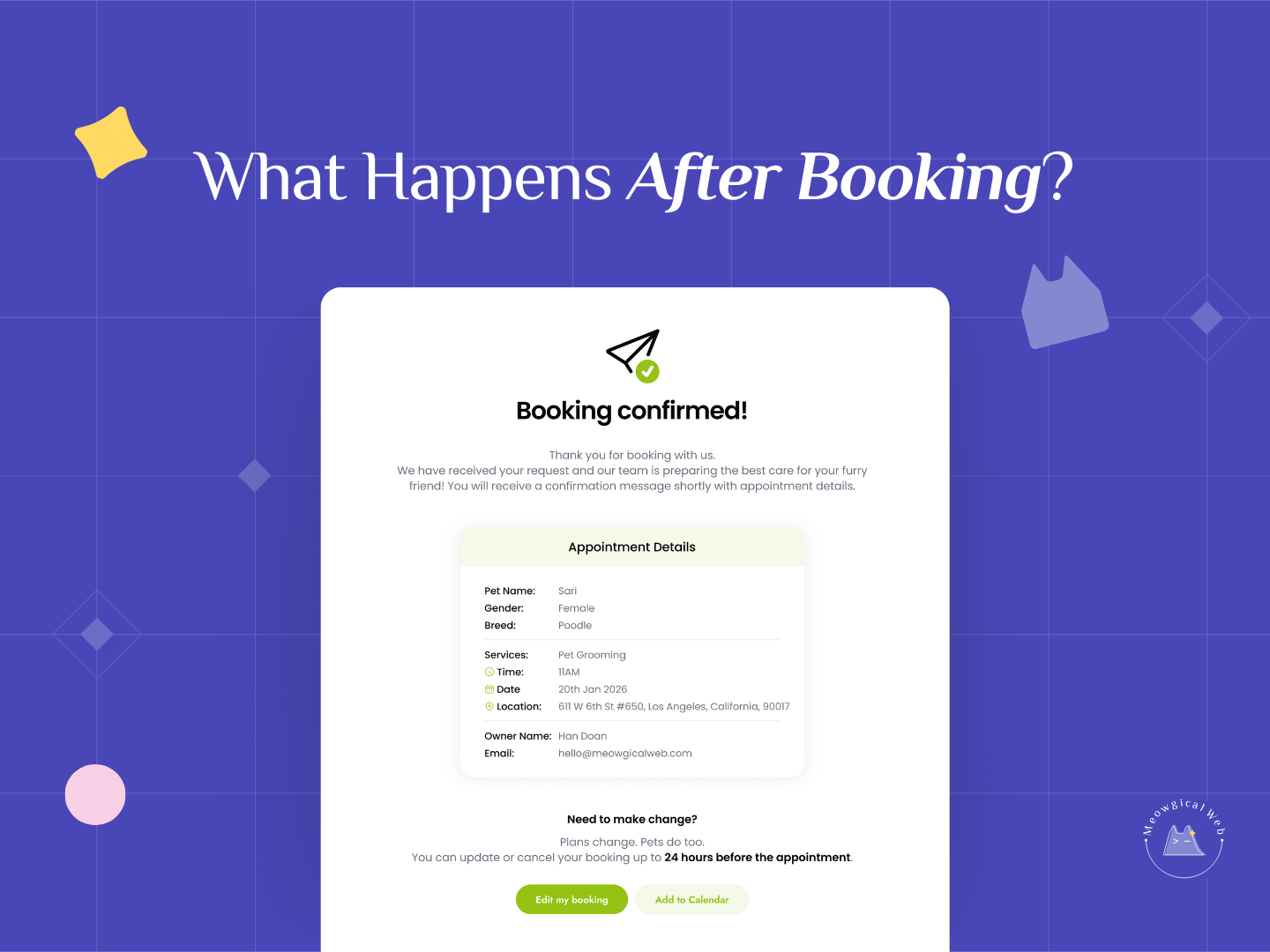
Start with the obvious details. Pet name, service booked, date, time, location. Sounds basic, but many pet businesses forget to show all of this clearly.
Next, add your contact information prominently. Phone number. Email. Physical address if they’re coming to your location. Clients shouldn’t have to hunt for ways to reach you if something changes.
Then include what happens next. “You’ll receive a confirmation email within 5 minutes. We’ll also send a reminder 24 hours before your appointment.” This eliminates the “did it work?” anxiety.
Show your cancellation or rescheduling policy. Not buried in fine print. Right there on the confirmation page. Additionally, make it easy for people to make changes if needed. This reduces no-shows because clients know they have options.
Finally, add preparation instructions when relevant. “Please don’t feed your dog for 2 hours before grooming.” “Bring your pet’s vaccination records.” “Arrive 10 minutes early for paperwork.” Answer the “what should I do?” questions proactively.
Why This Matters for Your Bottom Line
Good confirmation pages reduce support calls. When clients see all the information they need, they don’t call asking the same questions repeatedly. Therefore, your team spends less time answering “what time was my appointment again?” calls.
They also reduce cancellations and no-shows. Clear information makes people feel more confident about their booking. Consequently, they’re more likely to show up. Research from the booking industry shows that detailed confirmations can reduce no-shows by up to 29%.
Most importantly, they build trust. A professional confirmation page suggests you run a professional operation. In fact, clients assume the actual pet care will match the attention to detail they see in your booking system.
Common Confirmation Page Mistakes
Many pet businesses send confirmation emails but forget about the actual confirmation screen. Someone books through your website. They see a generic WordPress success message. Then they have to wait for the email to get actual details.
Don’t make people wait. Instead, show everything on the confirmation page immediately. Send the email as backup documentation. Not as the primary source of information.
Others include too much marketing on confirmation pages. Newsletter signups. Discount offers. Product promotions. However, save that for follow-up emails. Right after booking, people want reassurance, not sales pitches.
Some businesses hide their cancellation policy or make it hard to reschedule. This creates anxiety. Clients worry they’re locked in even if circumstances change. Therefore, be upfront about your policies and make modifications easy.
What to Do After They Leave the Confirmation Page
The work doesn’t stop at the confirmation page. Follow up with that promised email within minutes. Include all the same information plus a calendar invite they can add to their schedule.
Next, send a reminder 24-48 hours before the appointment. Text works better than email for reminders. Include the basics: pet name, service, date, time, your address. Additionally, add a “reply YES to confirm or CALL to reschedule” option.
For first-time clients, consider sending a “what to expect” message a few days before. Introduce your team. Describe what happens during the appointment. Then answer common questions about your process. This extra touch reduces new client anxiety significantly.
The Technical Side: Making It Work
Your booking system should automatically generate detailed confirmations. Manual processes lead to inconsistency. Some clients get great confirmation pages. Others get basic ones. However, automation ensures everyone gets the same professional experience.
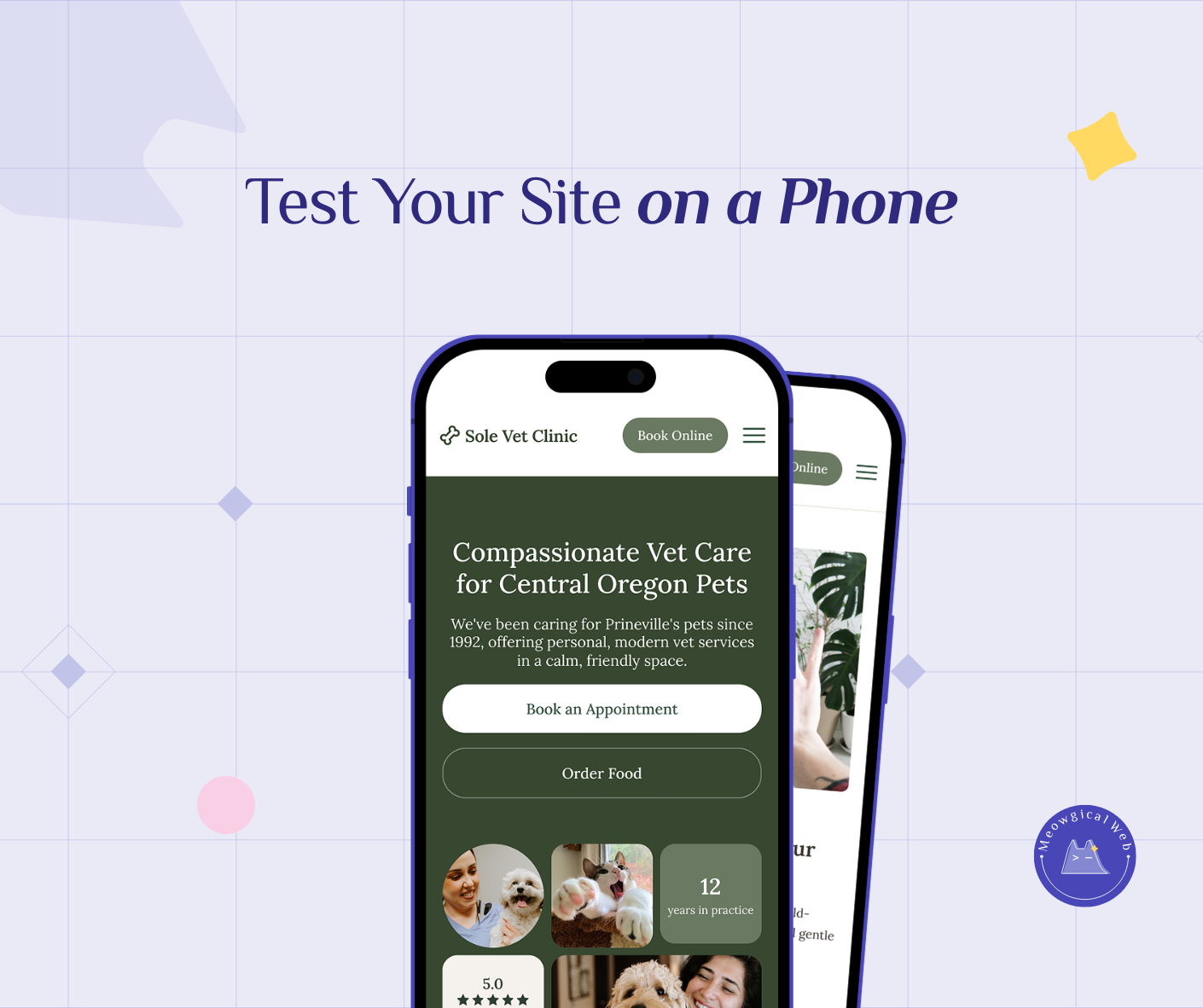
Test your confirmation process regularly. Book a test appointment. Does the confirmation page load quickly? Does it display correctly on mobile? Do all the links work? Fix broken experiences before clients encounter them. Related article: Why simple booking flow becomes even more valuable
Also, track what information clients ask about most often after booking. If you’re constantly answering the same questions, add that information to your confirmation page. In fact, your confirmation should eliminate 80% of post-booking questions.
Examples That Work
One grooming salon shows estimated service duration on their confirmation page. “Your full grooming appointment typically takes 2-3 hours. We’ll text you when [pet name] is ready for pickup.” Clients love knowing when to expect their pet back.
Similarly, a veterinary clinic includes photos of their parking lot and entrance on the confirmation page. New clients often struggle to find vet offices in complex buildings. Therefore, visual directions eliminate that stress.
Many boarding facilities send a “what we learned about [pet name]” message after the first stay. This shows you paid attention to their pet’s personality and preferences. In fact, it turns a transactional confirmation into a relationship-building moment.
Start Improving Your Confirmation Experience Today
Look at your current booking confirmation. Would you feel confident and informed after seeing it? If not, it needs work.
First, add the missing information. Contact details. Next steps. Preparation instructions. Cancellation policy. Make it comprehensive and clear. Related article: Why Clear Website Policies Prevent Last Minute Stress
Then test it from a client’s perspective. Better yet, ask a friend to book a test appointment. Tell you what questions they still have afterward. Then add answers to those questions on the confirmation page.
Your booking confirmation page takes 30 seconds to see. However, it influences whether clients show up, cancel, or become regulars. That’s 30 seconds worth investing in properly.