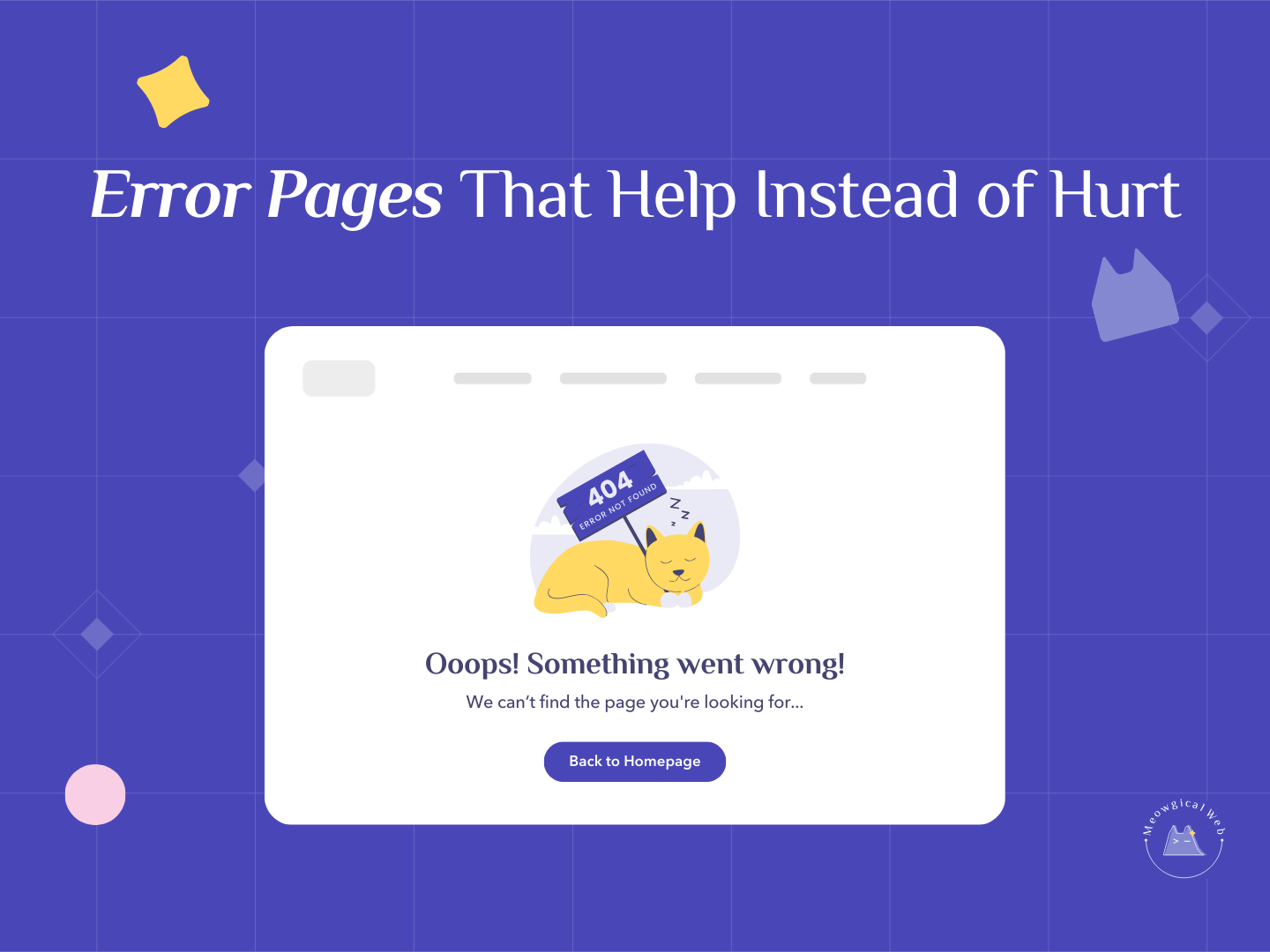
Someone just clicked a broken link on your pet business website. Now what? They see “ERROR 404 – Page Not Found” in ugly default styling with no guidance on what to do next. Dead end. Frustrated visitor. Lost client.
Most pet business websites use the default error page their hosting provider or website builder creates automatically. It’s purely technical, completely unhelpful, and frankly a bit cold. Additionally, it misses a massive opportunity to turn a negative experience into a potential booking.
But here’s the thing – your 404 error page is actually a huge opportunity to showcase your personality while helping lost visitors find what they need. Moreover, people hit broken links way more often than you probably realize.
Why Error Pages Matter More Than You Think
People land on 404 pages constantly. Someone bookmarked your old grooming prices page from two years ago. Google indexed a page you’ve since deleted. A client tried to manually type your URL and made a typo. Additionally, someone shared a link to your blog post but the URL got mangled when they pasted it.
According to HubSpot research on website errors, the average website has a 404 error rate of about 4-6%. That means if you get 1,000 visitors monthly, 40-60 of them hit broken links. Furthermore, most bounce immediately when they see unhelpful error messages.
These aren’t random browsers – they’re people actively trying to reach your content. They clicked a link expecting to find your services, hours, or booking page. Moreover, they’re motivated enough to have followed that link in the first place, which makes them valuable potential clients.
When they hit a dead end with no help, they leave. They don’t try to navigate back to your homepage or use your menu. Instead, they assume the link was wrong and move on to your competitor. Therefore, every unhelpful error page costs you potential bookings.
Similar to how your website footer should be a safety net for lost visitors, your 404 page serves as a rescue mechanism when navigation fails.
What Most Pet Businesses Get Wrong
The default error page is purely technical. “Error 404,” “Page Not Found,” “The requested URL was not found on this server.” This jargon means nothing to stressed pet parents. Additionally, it makes them feel like they did something wrong when really it’s just a broken link.
Many error pages provide zero navigation options. Just the error message and nothing else. Consequently, visitors are stranded with no clear path forward except hitting the back button.
Some sites have error pages with broken styling that don’t match the rest of the site. This makes the error feel even more jarring and unprofessional. Moreover, inconsistent branding at error points damages trust when you can least afford it.
Others have error pages that still include normal site navigation but no explanation or help specific to the error situation. Therefore, visitors don’t realize they’ve hit a broken link and might think your whole site is broken.
What Smart Error Pages Include
Friendly, non-technical language makes errors feel less stressful. “Oops! This page went to the park and didn’t come back” beats “ERROR 404” every time. Additionally, humor appropriate to your brand can actually make people smile during a frustrating moment.
Clear explanation in plain language helps visitors understand what happened. “We can’t find the page you’re looking for. It might have been moved or deleted.” This removes confusion. Moreover, it reassures them that nothing is seriously wrong.
Multiple navigation options give visitors paths forward. Links to your homepage, main services page, booking page, and contact page provide alternatives. Furthermore, organizing these as clear buttons or prominent links makes action obvious.
A search bar lets visitors find what they were originally looking for. If someone wanted your cat boarding page but the link was broken, they can search “cat boarding” and find it. Additionally, search functionality shows you’re trying to help rather than just displaying an error.
Your phone number prominently displayed acknowledges that some people prefer just calling when websites fail. Make it clickable on mobile. Moreover, include it with text like “Prefer to just call? We’re here: [phone number].”
Visual personality through pet-themed imagery or humor softens the frustration. A cute illustration of a confused dog, a photo of a cat knocking something over, or playful graphics make the error page feel more human. Therefore, you’re maintaining brand connection even during technical failures.
Example Copy That Works
Here’s effective error page copy for pet businesses: “Oops! This page went to the park and didn’t come back. Let’s get you where you need to go.”
Then provide clear action buttons or links:
- View Our Services
- Book an Appointment
- Go to Homepage
- Contact Us
- Call Us: [phone number]
Additionally, you might add: “Still can’t find what you need? Try our search box above or give us a call – we’re happy to help!”
This approach is friendly, helpful, and action-oriented. Moreover, it turns a negative technical experience into a moment that reinforces your caring brand personality.
Creating Your Custom 404 Page
Most website platforms let you customize your 404 page. In WordPress, you can edit the 404.php template file in your theme. Additionally, page builders like Elementor often have specific 404 page design options in theme settings.
Look for “404 page” or “error page” settings in your website builder’s theme customization area. Many platforms make this surprisingly easy to modify. Furthermore, you don’t need coding knowledge for basic customizations.
If you’re not technically comfortable, ask your web developer or designer to create a custom 404 page. This is typically a quick project. Moreover, it’s a one-time setup that benefits your site permanently.
Include your standard header and footer so navigation remains consistent. The error message and special content appear in the main content area, but everything else looks normal. Therefore, visitors can still use your regular menu to navigate anywhere.
Test your 404 page by intentionally visiting a broken URL on your site. Type something like yoursite.com/definitelynotarealpage and see what loads. Additionally, check how it looks on mobile since that’s where most errors occur.
The Psychology of Error Recovery
People forgive technical issues when you handle them well. A helpful, friendly error page says “we anticipated this problem and prepared to help you.” Conversely, a cold technical error says “something broke and we don’t care enough to guide you.”
Humor and personality during errors create positive associations. When your 404 page makes someone smile despite frustration, they remember that emotional moment. Moreover, it demonstrates confidence and competence – you’re so on top of things that even your error pages are thoughtful.
Providing multiple recovery paths reduces decision paralysis. Rather than just one “back to homepage” link, offer several relevant options. Additionally, visitors pick whichever path makes most sense for their original intent.
Making your phone number prominent on error pages acknowledges that sometimes people just want to talk to a human. This is especially true for pet services where trust and personal connection matter enormously. Therefore, offering an easy switch from digital to voice contact smooths over the technical hiccup.
Common Error Page Mistakes
Don’t make jokes that blame the visitor. “You broke the internet!” or “What did you do?” humor backfires by making people feel dumb. Instead, frame errors as something that just happens. Moreover, take responsibility rather than implying user error.
Avoid internal jargon or technical details visitors won’t understand. “HTTP 404 error – requested resource not found in server directory” means nothing to most people. Additionally, it feels impersonal and cold.
Don’t forget mobile optimization. Error pages need to work perfectly on phones where most browsing happens. Furthermore, all buttons and links need to be easily tappable on small screens.
Skip the temptation to make error pages overly cute at the expense of helpfulness. One pet photo is charming; a page full of GIFs that doesn’t actually help visitors find what they need just adds frustration. Therefore, prioritize function over excessive decoration.
Test Your Error Page Today
Visit a fake URL on your site right now. Add /thispagedefin itelydoesnotexist to your domain. What do you see? Additionally, ask yourself whether a frustrated visitor would find it helpful or frustrating.
Check if your navigation works on the error page. Can visitors easily get back to useful pages? Moreover, is your phone number visible if they want to just call instead?
Ask someone unfamiliar with your site to encounter the error page and navigate back to your booking page. Time how long it takes. Furthermore, note any confusion or frustration they experience.
Your 404 page might be the last thing a visitor sees before leaving your site. Make it count. Turn technical failures into opportunities to demonstrate helpfulness, personality, and reliability. Moreover, give frustrated visitors clear paths forward instead of dead ends.
Have you landed on a creative, helpful 404 page? What made it memorable enough that you still remember it?