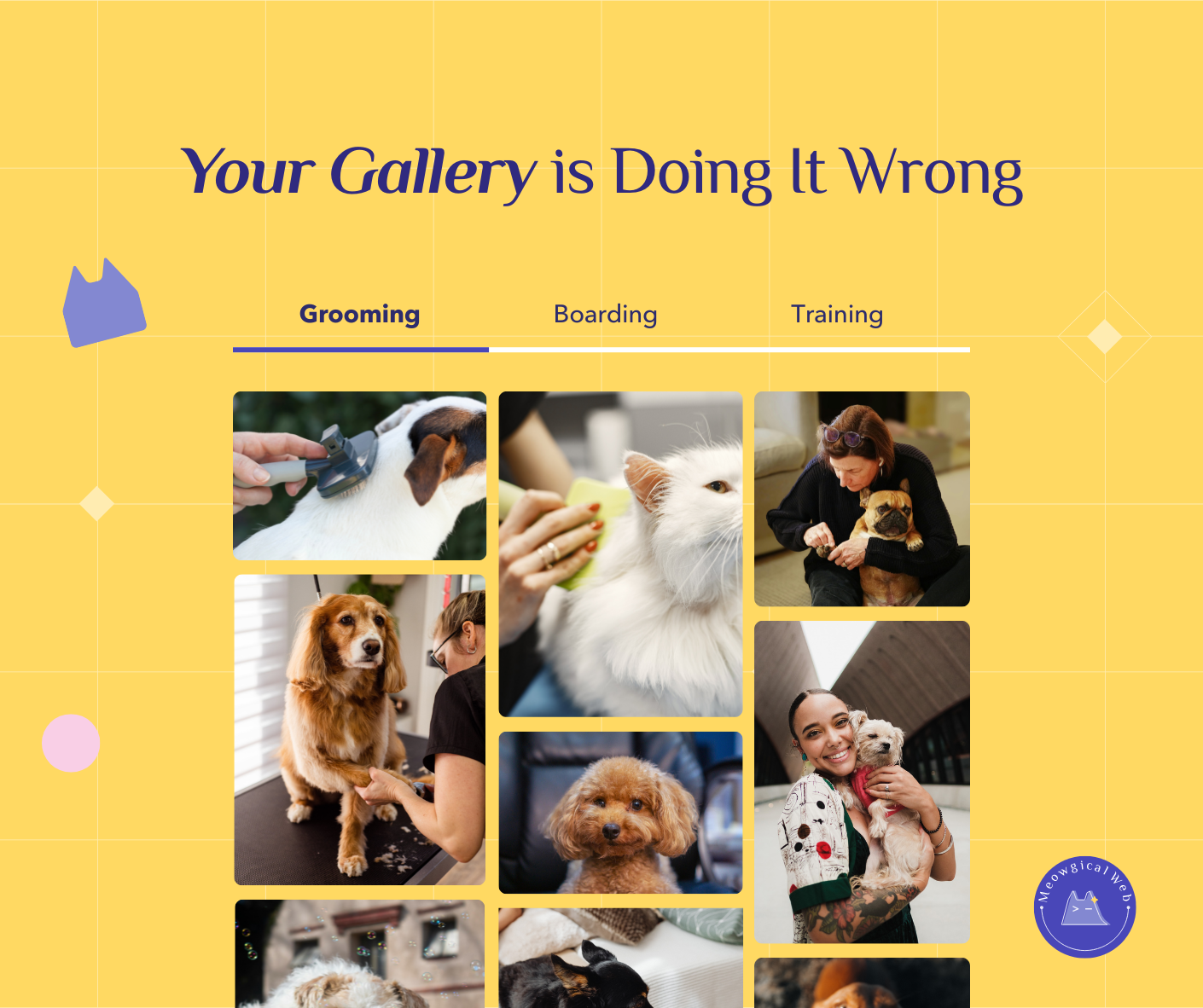
Pet business photo galleries with 200+ unorganized random images overwhelm potential clients who need quick proof you’ve handled animals like theirs. A nervous cat owner scrolling through mixed photos of dogs, cats, and random facility shots typically gives up before finding relevant examples. Effective photo galleries organize images by service type (grooming, boarding, training), separate by animal category (dogs, cats, small pets), include descriptive captions that tell stories, and prioritize 20-40 curated quality photos over massive quantities. Organized galleries convert better because anxious pet parents can immediately see evidence you understand their specific pet’s needs without overwhelming searches.
A woman with a reactive German Shepherd visits a trainer’s website. She’s desperate. Her dog lunges at other dogs. Additionally, she needs someone experienced with large, aggressive breeds.
The trainer’s gallery has 187 photos. Mixed together randomly. Small dogs. Puppies. Cats somehow. Additionally, photos of the facility. Staff headshots. Everything jumbled.
She scrolls. And scrolls. Looking for proof this trainer has worked with dogs like hers. After three minutes of scrolling, she gives up. Additionally, she calls a different trainer whose gallery clearly showed “Large Breed Training” with relevant examples.
The first trainer lost a high-value client. Moreover, their work with reactive German Shepherds was excellent. But buried somewhere in photo 143 that nobody ever reached.
The Boarding Facility With Too Many Photos
A pet boarding facility was proud of their photo gallery. 312 photos showcasing their beautiful facility. Happy pets everywhere. Additionally, they added new photos weekly.
Their booking rate was puzzling. Lots of website traffic. Long time on site. But surprisingly few bookings. Moreover, people who did book always mentioned they’d also checked competitors.
Someone finally watched users navigate the site. What happened was brutal. Potential clients opened the gallery. Saw an overwhelming wall of photos. Additionally, they couldn’t find what they needed quickly. So they left to check competitors.
One woman with a senior cat needed proof they had quiet boarding areas separate from dogs. That information existed in photo 178. Additionally, she never made it there. She booked elsewhere within 20 minutes.
According to Nielsen Norman Group’s research on image galleries, users rarely view more than the first page of photo galleries and prefer organized, categorized galleries over endless scrolling. Pet parents especially need quick visual confirmation you handle their specific situation.
Similar to how organized navigation helps lost visitors, organized galleries help anxious pet parents find exactly what they need immediately.
The Groomer Who Changed Everything
A mobile groomer had 85 photos in one massive gallery. Random order. Additionally, upload dates meant her newest work appeared first but nothing was categorized.
Someone with a matted golden retriever visited her site. They wanted proof she could handle severe matting. Additionally, her gallery showed she definitely could. Somewhere. They just couldn’t find those photos quickly enough.
She reorganized everything one afternoon. Created tabs: Before & After. Dog Grooming. Cat Grooming. Special Needs. Additionally, each section had 15-20 carefully chosen photos with captions.
“Bella came in severely matted. Here’s her transformation!” with before and after side by side. Clear. Immediate. Additionally, exactly what anxious pet parents needed to see.
Her booking rate jumped 45% in one month. Same photos. Just organized so people could actually find what mattered to them. Moreover, her consultation calls became actual bookings instead of people price shopping.
What People Are Actually Looking For
Someone with a nervous rescue dog needs proof you’re gentle. Additionally, they want to see dogs with similar anxiety in your photos. Not just happy, easy dogs.
Someone with a Persian cat needs evidence you groom long-haired breeds. Moreover, they want to see other Persians. Not just random cats mixed with dogs.
Someone considering boarding wants to see the actual sleeping areas. The play spaces. Additionally, proof their large dog will have enough room. Not just facility exteriors.
A woman called a vet clinic asking if they handled rabbits. Their gallery had 156 photos. Additionally, exactly three showed rabbits. She never found them. She called asking instead of scrolling endlessly.
After the call, the clinic created an “Exotic Pets” gallery section. Rabbits, guinea pigs, ferrets clearly separated. Moreover, bookings for exotic pet appointments doubled.
The Power of Good Captions
Photos without context leave people guessing. A dog getting groomed. Okay. But what’s special about this? Additionally, why should this particular photo convince someone to book?
“Max’s first grooming session – we took it slow” tells a story. Parents with anxious first-time dogs see this. Additionally, they think “they’ll be patient with my nervous pup too.”
“Bella hadn’t been groomed in 2 years. Look at her transformation!” speaks to people who’ve let grooming slide. Moreover, it removes shame and shows you’ve handled worse.
“Senior boarding suite – quiet, comfortable, perfect for older pets” answers specific questions. Additionally, people with senior pets immediately know you understand their needs.
A daycare started adding personality to captions. “Charlie’s favorite game is chase. Every. Single. Day.” Parents smiled. Additionally, they felt like their dog would be known as an individual. Not just another dog in a pack.
Quality Over Quantity Reality Check
Twenty amazing photos tell a better story than 200 mediocre ones. Additionally, curating shows you’re thoughtful about quality. Random photo dumps signal disorganization.
A trainer had 300+ training photos. Every session with every dog for three years. Additionally, the gallery loaded slowly. People got frustrated before photos even appeared.
She culled ruthlessly. Kept 40 photos. Her best work. Clear transformations. Additionally, diverse breeds and problems. Each told a specific story.
Her website loaded faster. People actually viewed all 40 photos. Moreover, her inquiry rate increased because people saw focused expertise instead of overwhelming volume.
Organizing by Service Makes Sense
Someone interested in grooming doesn’t need to see boarding photos. Additionally, someone researching training doesn’t care about your grooming transformations right now.
Creating separate galleries by service type lets people find relevant examples immediately. Grooming. Boarding. Training. Daycare. Moreover, each person sees exactly what matters to their decision.
A full-service pet business made this change. Previously one giant gallery. Additionally, now five focused galleries of 20 photos each. Their consultation bookings increased across all services because people could evaluate each offering clearly.
The Animal Type Problem
Mixing dogs and cats seems logical. You serve both. Additionally, pet parents don’t see it that way. Cat people look for cat examples. Dog people look for dog examples.
A groomer who primarily did dogs buried her cat grooming work in the general gallery. Additionally, she wondered why she got so few cat clients. Cat owners couldn’t find proof she groomed cats. The evidence was there. Just invisible among 100 dog photos.
She created a “Cat Grooming” section with 15 photos. Additionally, cat client bookings tripled. The expertise existed all along. Organization revealed it.
Mobile Gallery Experience
Most people browse galleries on phones. Endless scrolling on small screens is exhausting. Additionally, loading 200 photos kills mobile data and patience.
Organized galleries work better on mobile. Tabs or categories. Additionally, 20-30 photos per section. People find what they need without endless scrolling or waiting for massive galleries to load.
A boarding facility tested this. Previously mobile users viewed an average of 8 photos before leaving. Additionally, after reorganizing into clear categories, mobile users viewed an average of 22 photos and booked more frequently.
Making Changes This Week
Audit your current gallery honestly. How many photos do you have? Additionally, can someone find specific examples in under 30 seconds?
Create categories that match what people actually need. By service. By animal type. Moreover, by common concerns like “Anxious Pets” or “Senior Care.”
Write captions that tell stories and remove doubts. “First grooming.” “Severe matting case.” “Reactive dog training.” Additionally, specifics help people see themselves in your work.
Curate ruthlessly. Keep your best 20-40 photos per category. Moreover, archive the rest. You can always rotate fresh examples in later.
Test on your phone. Time yourself finding a specific example. Additionally, if it takes over 30 seconds, your organization needs work.
The Real Purpose of Galleries
Your gallery should whisper “we’ve got this, we understand your pet” the moment someone looks. Additionally, organization is how that message gets through. Chaos whispers “we’re overwhelmed” instead.
That woman with the reactive German Shepherd? She found a trainer with a “Behavior Issues” gallery section. Additionally, she booked immediately. The evidence was right there. Clear and organized.
The senior cat owner? A boarding facility with a “Cats Only” section showed quiet spaces separate from dogs. Moreover, she booked for two weeks. No phone call needed.
Organization isn’t about being fancy. It’s about respect. Additionally, respecting that pet parents are anxious and need quick visual proof you understand their situation.
How’s your gallery organized right now? Could someone with a nervous rescue find proof you handle anxious pets in under 30 seconds? Additionally, if not, that’s costing you bookings every single day.