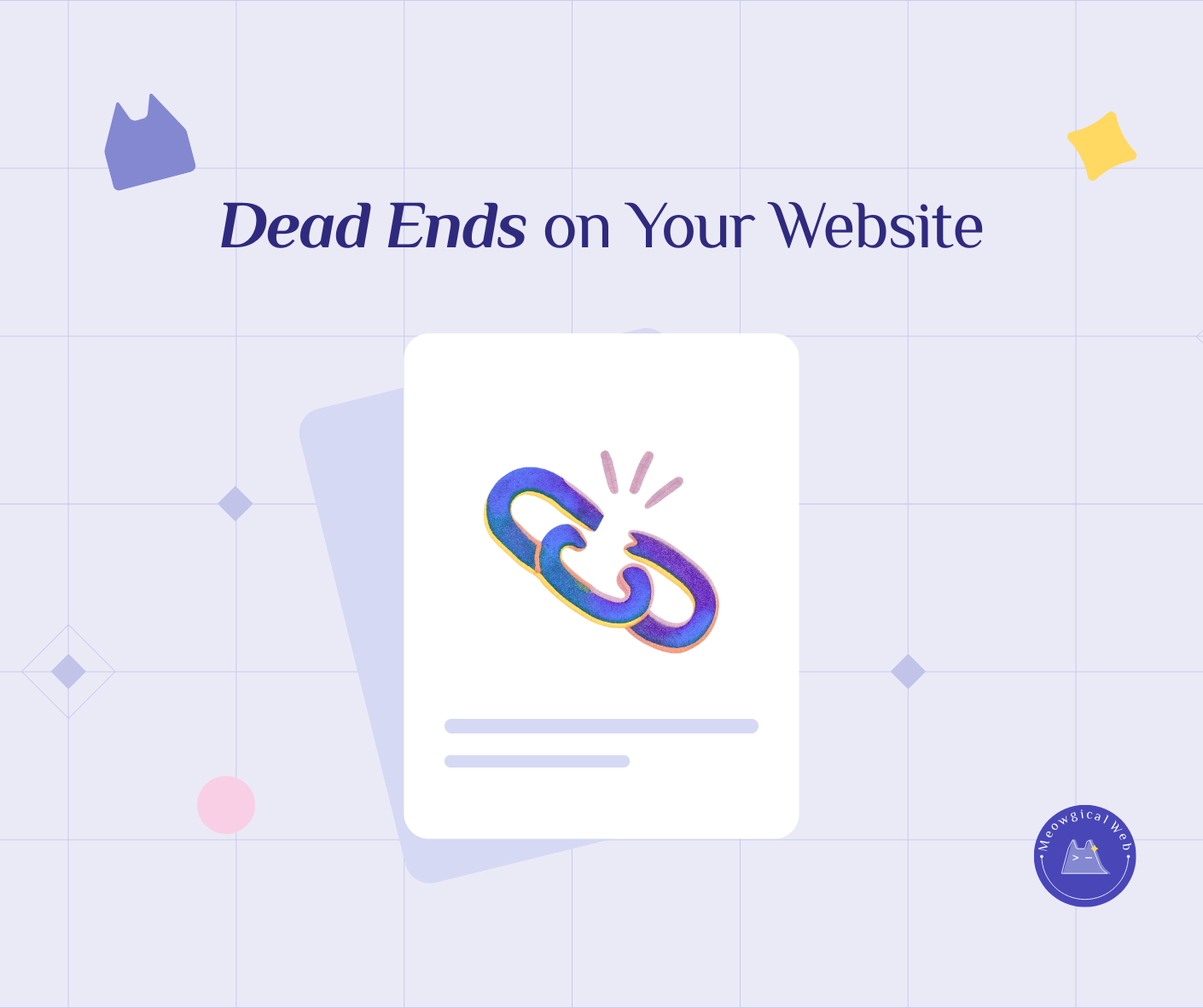
Broken links appear silently on pet business websites when partner businesses shut down, pages get renamed during redesigns, or old services are discontinued without updating links throughout the site. Consequently, visitors clicking these broken links land on error pages, which plants subtle doubt about whether the business is still active and properly maintaining their online presence.
Fortunately, regular 20-minute website checks every few months using free tools like Google Search Console reveal exactly which links are broken before potential clients encounter them. In addition, outdated copyright dates in website footers like “Copyright 2019” reinforce perceptions of neglect and inactivity even when the business is thriving. Therefore, simple maintenance creates big trust energy by showing clients you care about details and actively run your business.
The Silent Problem
Broken links don’t announce themselves. They don’t send you emails saying “Hey, I’m broken now!”. Instead, they quietly appear when circumstances change.
For instance, a rescue organization you partnered with shuts down. That partnership page you linked to? Gone. Meanwhile, your website still proudly links to it.
Or you rename a service page during a redesign. “Grooming Services” becomes “Full Service Grooming.” Unfortunately, your blog posts still link to the old URL. Therefore, those links lead nowhere.
Similarly, an old blog post references a product you no longer offer. The product page is deleted. However, the link remains, sending confused visitors to error pages.
According to Moz’s research on broken links and SEO, broken links negatively impact both user experience and search engine rankings. In fact, they signal to Google that your site might be poorly maintained or outdated.
Similar to how missing favicons create subtle unprofessionalism, broken links plant quiet doubts about your business credibility.
When Customers Lands Nowhere
Picture this. Someone clicks a link expecting to learn about your training methods. Instead, they see a generic error page. What goes through their mind?
“Is this business still operating?”
“Do they care about their website?”
“If they don’t maintain their online presence, what else are they not maintaining?”
These thoughts happen fast and mostly subconsciously. However, they absolutely influence booking decisions.
A boarding facility had a beautiful testimonials page. Five glowing reviews from happy clients. Three of those reviews linked to the clients’ personal blogs where they’d written detailed experiences. Over two years, two of those personal blogs went offline. The links broke. Visitors clicking those links hit error pages. Meanwhile, the facility had no idea this was happening.
Someone eventually mentioned it: “I tried to read the full reviews but the links didn’t work. Honestly, it made me wonder if those were even real reviews.”
Broken links created doubt about authenticity. Not the impression they wanted to make.
The Common Sources
External links break frequently. You link to a veterinary association’s resource page. They redesign their site and move that page. Your link breaks.
Similarly, you link to a product you recommend on Amazon. That product gets discontinued. Therefore, the Amazon link dies.
Or you mention a local business partnership. That business closes. Their entire website disappears.
Internal links break during redesigns. You reorganize your service pages. Change URLs. Update your menu structure. Meanwhile, old blog posts still reference the previous URLs.
For example, a grooming salon redesigned their site. They combined “Cat Grooming” and “Dog Grooming” into one “Pet Grooming” page with sections. Unfortunately, their blog had 15 posts linking to the old separate pages. All those links broke overnight.
Removed content creates dead links too. You used to offer puppy training but discontinued it. You delete that service page. However, your homepage still mentions “See our puppy training options” with a link to the deleted page.
The Trust Impact
One broken link? People might overlook it. However, multiple broken links create a pattern. The site feels abandoned or neglected.
A veterinary practice had outdated content everywhere. Their “Staff” page showed three vets who no longer worked there. Additionally, links to their bios all broke. Meanwhile, their “Resources” page linked to seven external sites, five of which no longer existed.
Someone researching vets noticed this. They didn’t book. The broken links signaled the practice wasn’t paying attention to details. Conversely, a well-maintained site builds confidence. Everything works smoothly. Links go where expected. This signals professionalism and active management.
The Google Search Console Solution
Google Search Console is free. It shows you exactly which links are broken on your site. Moreover, you don’t need technical expertise to use it. Once you verify your site with Google Search Console, it automatically monitors your pages. When it finds broken links or error pages, it lists them clearly in the “Coverage” report.
For instance, a pet sitting service set up Google Search Console and discovered 12 broken links they had no idea about. Old blog posts linking to discontinued services. External links to closed businesses. URLs that changed during a previous update. Fixing all 12 took about 20 minutes. Some links got updated to new pages. Others got removed entirely. The result? A cleaner, more professional site.
Setting up Google Search Console takes maybe 10 minutes. Then it works automatically in the background, alerting you to problems.
The 20-Minute Maintenance Routine
Every few months, spend 20 minutes clicking through your own website. Pretend you’re a potential client.
First, start at your homepage. Click every link in your navigation. Do they all work? Do they go where you expect?
Secondly, check your footer links. About page. Contact page. Privacy policy. Terms of service. Anything linked down there.
Next, spot-check a few blog posts if you have them. Click links within the posts. External references. Internal links to other pages.
Finally, review your contact information. Is your phone number current? Email address working? Physical address correct if you’ve moved?
A mobile groomer did this routine and discovered her phone number was wrong. She’d changed numbers six months ago and updated it everywhere except her footer and contact page. Potential clients had been calling a disconnected number.
The Copyright Date Tell
Look at your footer right now. What year does your copyright say?
If it says “Copyright 2019” and we’re well past that, it signals neglect. People notice these details subconsciously.
Similarly, “Last updated: March 2020” on a resources page suggests outdated information. Meanwhile, current dates signal active maintenance and relevance.
A training facility had “Copyright 2018” in their footer. Someone finally asked: “Are you still in business? Your website looks like it hasn’t been updated in years.”
The business was thriving. However, that old copyright date created completely wrong impressions. Changing it to “Copyright 2024” took 30 seconds.
Better yet, use dynamic copyright dates that update automatically. Most website platforms offer simple code snippets that show the current year without manual updates.
What Actually Breaks Most Often
External links break constantly because you can’t control other websites. The solution? Check external links more frequently. Every 3-4 months, review links to other businesses, resources, or partners.
Alternatively, be selective about external links. Only link to stable, established sources likely to maintain their content long-term. Government sites, major organizations, established businesses.
For instance, linking to the American Veterinary Medical Association’s resources is safer than linking to a small blogger’s post that might disappear.
Social media links change too. A client’s Instagram handle you linked to might change. Their account might go private or get deleted. Similarly, Facebook business pages sometimes rebrand with new URLs.
The Fix Process
Found broken links? Here’s what to do with them.
If the content moved to a new URL on the same site, update your link to the new location. For example, a partner organization redesigned and moved their resources page. Find the new URL and update your link.
If the external content disappeared entirely, remove the link or find a replacement. Perhaps another credible source covers the same topic.
For broken internal links from redesigns, redirect old URLs to new ones. Your web person can set up 301 redirects so old links automatically send visitors to the new correct pages.
A boarding facility had dozens of broken internal links after a redesign. Their developer set up redirects in about an hour. Now all those old links work perfectly, sending visitors to the new structure.
Making It A Habit
Add website maintenance to your calendar. Every quarter, block out 20 minutes for a quick check.
First, click through your site. Next, check Google Search Console. Thirdly, update copyright dates. Finally, review contact information and fix anything broken.
This small habit prevents the accumulation of neglect that makes sites feel abandoned.
For example, a grooming salon sets a recurring calendar reminder for the first Monday of every quarter. “Website check – 20 minutes.” They’ve caught broken links, outdated staff photos, old pricing, and wrong phone numbers before clients encountered these problems.
The Professional Polish
Broken links aren’t dramatic failures. However, they’re death by a thousand small cuts to your professional image.
One broken link? People might not consciously notice. Five broken links? The site feels neglected. Ten broken links plus an outdated copyright? Your business feels inactive regardless of how busy you actually are.
Meanwhile, a site that works smoothly—where every link goes where expected and dates are current—builds quiet confidence. People might not consciously think “wow, great maintenance!” However, they certainly feel the polish and professionalism.
When was the last time you actually clicked through your own website? Not just looked at it, but really used it like a client would?
If it’s been a while, spend 20 minutes this week giving your site a checkup. You might be surprised what you find. Small fixes create big trust energy.