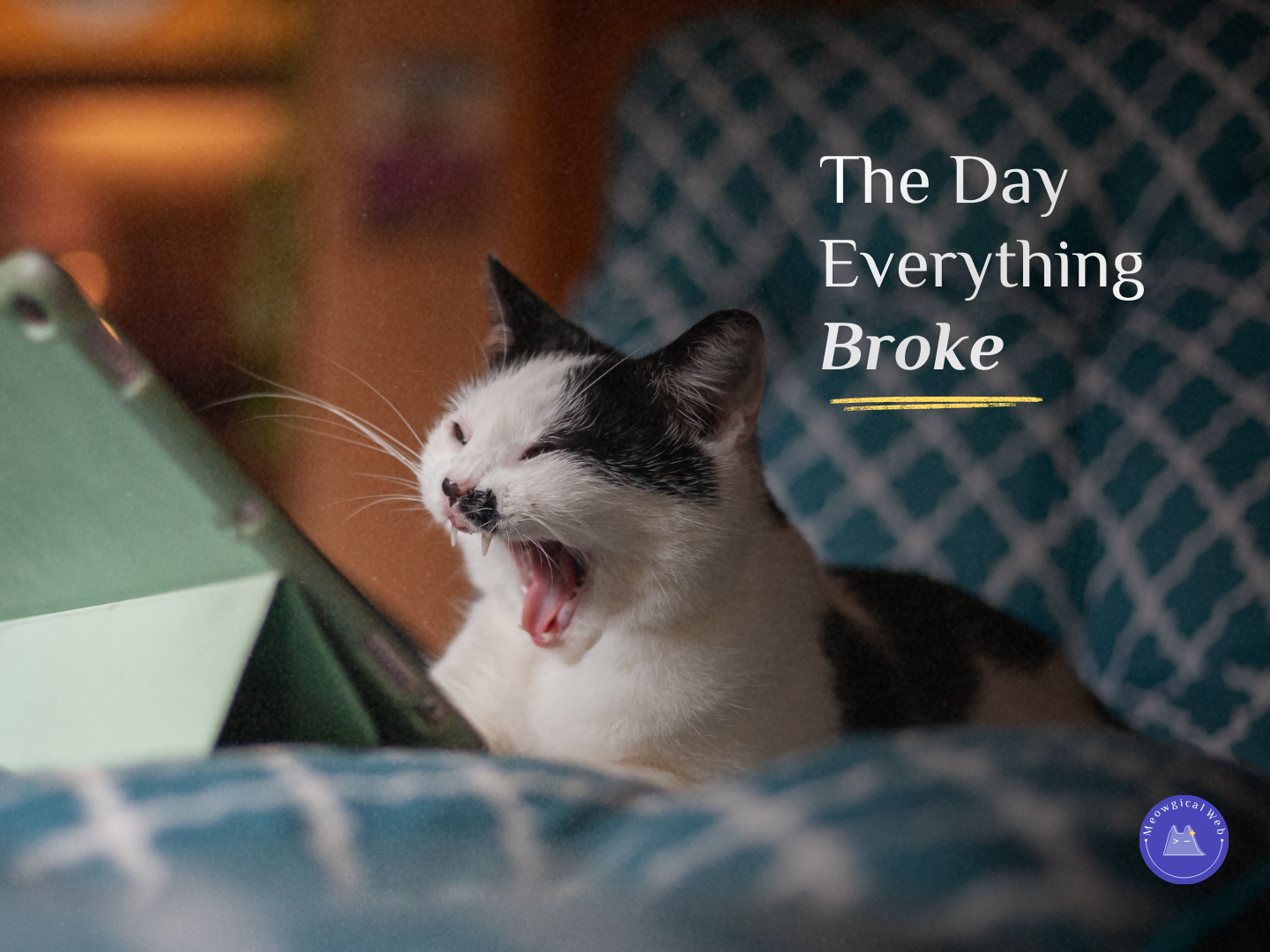
Real talk: last month my friend’s pet website went down at 2am. Not ideal timing, right? She woke up to a dozen messages from people trying to book appointments. “Your site isn’t working.” “Is this the right link?” “Are you still in business?”
Panic mode activated. Additionally, her stomach dropped when she realized she had no idea how long the site had been down or how many potential clients had given up and moved on to competitors.
Why This Matters More for Pet Businesses
Your website going down isn’t just inconvenient – it’s lost revenue, lost trust, and lost opportunities. For pet businesses specifically, this hits even harder because pet emergencies don’t wait for business hours.
Think about it. Someone’s dog just got sprayed by a skunk at 11pm. They’re frantically Googling emergency groomers in their area. Your site is down. They’re not bookmarking you to try again tomorrow – they’re calling your competitor who shows up in the search results. Moreover, that lost booking is just the beginning because they’ll probably stick with that competitor for future services too.
Or imagine a pet parent searching for last-minute boarding because of a family emergency. It’s Sunday evening, they’re stressed, and they need to book immediately. Your website loads with an error message. Consequently, they move on to the next option without a second thought.
According to Gartner research, the average cost of IT downtime is $5,600 per minute for businesses. While pet businesses might not hit that exact number, even an hour of downtime during peak booking times can cost hundreds in lost revenue. Furthermore, the damage to reputation and trust can’t be measured in dollars alone.
Similar to how your phone number needs to be prominently visible, your backup contact methods need to be easy to find when your primary channel fails.
The Worst Part: No Backup Plan
Here’s what made my friend’s situation so stressful – she had absolutely no backup plan. She lacked a monitoring service alerting her to problems. There was no status page explaining what was happening. Additionally, she had no alternative contact method prominently displayed on her social media. Nothing.
She didn’t even know the site was down until clients started messaging her directly. By then, it had been offline for at least six hours. Additionally, she had no idea how many potential clients had tried to visit, failed to load the site, and simply moved on without reaching out.
The site was down because her hosting renewal payment failed (her credit card had expired). Such a simple issue, but it cost her an entire Saturday of potential bookings. Moreover, some clients who couldn’t reach her assumed she’d gone out of business entirely.
What She Does Differently Now
After that nightmare, my friend got serious about backup planning. Now she has systems in place that actually protect her business from website disasters.
She uses a monitoring service that texts her instantly if the site goes down. Services like UptimeRobot or Pingdom check your site every few minutes and alert you immediately when something breaks. Furthermore, most offer free plans that work perfectly for small businesses.
Backup hosting is ready to go if her primary hosting fails. She keeps a simple one-page version of her site with contact info and booking links on a separate hosting service. If her main site crashes, she can quickly point her domain to the backup. Therefore, something loads even during major technical failures.
Contact info is pinned on all her social media profiles. Instagram bio, Facebook about section, Google Business Profile – everywhere has her current phone number and booking link. Additionally, these stay accessible even when her website doesn’t.
A simple status page exists for emergencies. If the site needs to go down for maintenance or has unexpected issues, she can quickly update a status page that explains what’s happening and when it’ll be fixed. Moreover, this prevents the “are you still in business?” panic from clients.
Your Backup Plan Checklist
Set up free website monitoring today. UptimeRobot offers free monitoring that checks your site every 5 minutes. You’ll get text or email alerts the moment your site stops responding. Additionally, this catches problems before clients start complaining.
Create a backup contact method sheet. Document your phone number, email, booking link, and physical address in a format you can quickly share on social media if needed. Therefore, you’re prepared to communicate alternative contact methods immediately.
Pin current contact info on all social profiles. Don’t bury your phone number in posts from three months ago. Make it prominently visible in profile bios where people will actually see it. Furthermore, update it across all platforms simultaneously whenever anything changes.
Know who to call when technical issues happen. Keep your hosting company’s support number saved in your phone. Web developer contact info should be readily available too. Domain registrar support details need to be accessible as well. Moreover, don’t wait until 2am during a crisis to figure out who can actually help.
Test your backup plan quarterly. Actually try accessing your backup contact methods. Verify your monitoring alerts are working. Make sure your emergency status page loads correctly. Additionally, refresh your memory on technical support contacts before you desperately need them.
The Social Media Safety Net
Your social media presence becomes critical when your website fails. Many pet businesses focus all their energy on their website and treat social media as an afterthought. However, social platforms can save you during website emergencies.
Keep your Instagram and Facebook profiles updated with current booking information. If your website crashes but your social media works, people can still find your phone number and reach you. Moreover, you can post updates explaining technical issues and providing alternative contact methods.
Pin a post with your phone number and email to the top of your Facebook business page. This stays visible even when your website doesn’t load. Additionally, it gives frustrated visitors an immediate alternative action to take.
Use Instagram highlights to save important contact info permanently. Create a “Contact Us” highlight with your phone number, email, hours, and location. Therefore, this information remains accessible regardless of what’s happening with your website.
The Emergency Happens at the Worst Time
Murphy’s Law absolutely applies to website downtime. Your site won’t crash on a quiet Tuesday afternoon when nothing’s happening. Instead, it’ll go down right before a holiday weekend when everyone’s scrambling to book pet care. Or during an emergency situation when people desperately need your services.
This is exactly why backup planning matters so much. You can’t predict when technical failures will happen, but you can prepare for them. Furthermore, having systems in place before disaster strikes makes all the difference between minor inconvenience and major business disruption.
One veterinary clinic we know had their site crash during a local emergency that had pet parents frantically seeking care. Fortunately, they had monitoring set up and caught it within 10 minutes. They immediately posted their phone number on social media with a brief explanation. Additionally, they activated their backup one-page site that had just contact info and emergency instructions. They still served clients during the crisis because they were prepared.
Prevention Beats Panic
Technical stuff isn’t sexy or exciting. Honestly, it’s boring compared to designing beautiful websites or creating engaging content. However, it’s absolutely essential for protecting your business from preventable disasters.
Spending 30 minutes today setting up monitoring and documenting your backup plan could save you hundreds or thousands in lost revenue tomorrow. Moreover, it prevents the stomach-dropping panic of waking up to messages about your site being down with no idea how to fix it.
My friend learned this lesson the hard way, but you don’t have to. Additionally, implementing these safeguards now means you’re protected before the next technical disaster inevitably strikes.
Have you experienced website downtime? What was your emergency backup plan – or did you even have one? Time to get these systems in place before you desperately need them!