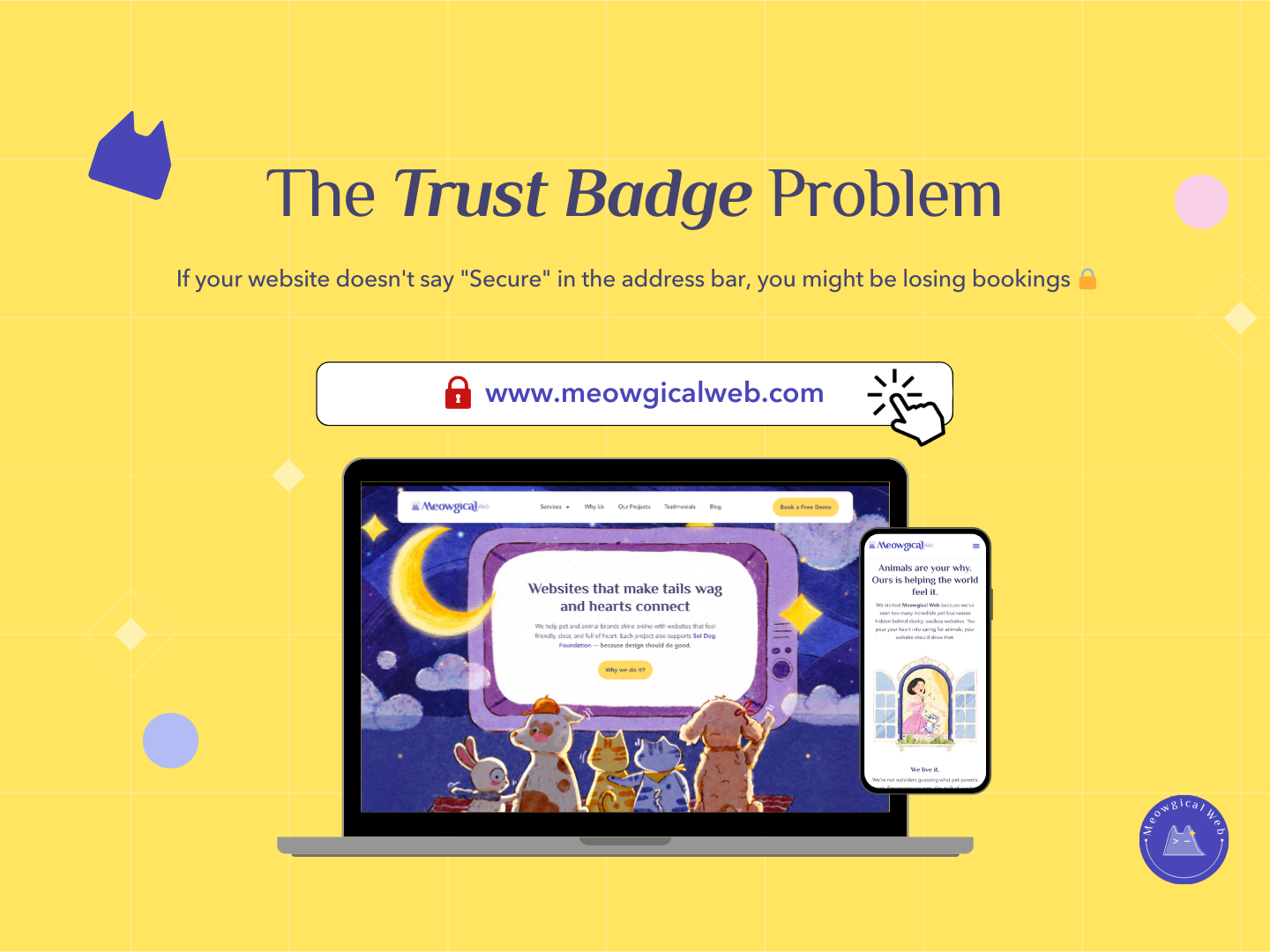
If your website doesn’t say “Secure” in the address bar, you might be losing new clients. Seriously. That little padlock icon matters way more than you think for pet businesses trying to convert visitors into clients.
When pet parents see “Not Secure” while trying to book grooming or check out your services, their brain immediately screams “Don’t enter your credit card here!” Additionally, even if you don’t take payments online, that warning damages trust before people even read your content.
But here’s what frustrates me constantly. Pet business owners tell me “We don’t take payments online, so security doesn’t matter.” Wrong. So wrong. Security matters because perception matters enormously in building trust with anxious pet parents.
What That Warning Actually Means
When browsers display “Not Secure” next to your website address, it means your site doesn’t have an SSL certificate. SSL (Secure Sockets Layer) encrypts data traveling between the visitor’s browser and your website server. Additionally, it’s what makes your site address start with “https://” instead of just “http://”.
Without this encryption, technically someone could intercept data being sent to your site. However, the real issue isn’t actually about technical security vulnerabilities – it’s about the massive trust problem that warning creates.
Modern browsers make “Not Secure” warnings increasingly prominent and scary-looking. Chrome shows a crossed-out padlock. Firefox displays a warning icon. Moreover, some browsers show full-page warnings before letting people even visit unsecured sites.
According to GlobalSign SSL research, 84% of users would abandon a purchase if data was sent over an unsecured connection. Furthermore, even for sites without e-commerce, that “Not Secure” warning creates subconscious distrust that damages conversion rates.
Similar to how your phone number color affects click rates, seemingly small visual signals like security badges dramatically impact user behavior and trust.
The Trust Signal You’re Sending
An unsecured site signals outdated technology to visitors. They assume if you haven’t updated basic security, you’re probably behind on everything else. Additionally, it makes people wonder what else you’re neglecting in your business.
It signals unprofessionalism without you saying a word. Pet parents researching care for their beloved animals want to work with businesses that take details seriously. Moreover, if you can’t even secure your website, how carefully do you handle their pets?
The warning makes people question whether you’re even still in business. “Is this site abandoned?” “Did they shut down?” These doubts creep in subconsciously. Furthermore, that hesitation often results in people simply clicking back to search results and trying your competitor instead.
Conversely, a secured site with that green padlock signals professionalism immediately. It shows you’re current with technology standards. Additionally, it communicates that you take security and client safety seriously enough to implement basic protections.
The “We Don’t Take Payments” Myth
Many pet businesses argue they don’t need SSL because they don’t process payments online. Maybe visitors just fill out contact forms or call to book. Therefore, security supposedly doesn’t matter.
This completely misses the point. Security warnings appear before anyone even interacts with your site. The damage happens immediately when browsers display “Not Secure” at the top of the page. Moreover, visitors don’t know whether you take payments online – they just see a scary warning.
Even contact forms collect personal information – names, emails, phone numbers, addresses. Pet parents don’t want to submit this information through unsecured connections. Additionally, the psychological impact of security warnings affects all interactions, not just payment processing.
Think about it from a visitor’s perspective. They’re researching pet care options, probably for a beloved family member. They’re already emotionally invested and possibly anxious. Furthermore, seeing security warnings instantly triggers doubt about whether they should trust you with their pet.
The Google Ranking Factor
Here’s another critical reason SSL matters – Google explicitly uses HTTPS as a ranking factor. Secured sites rank higher than unsecured ones in search results. Additionally, Google has been pushing this increasingly hard over the years.
Back in 2014, Google announced HTTPS as a ranking signal. Since then, they’ve made it progressively more important. Moreover, Chrome’s increasingly prominent security warnings push websites toward HTTPS adoption whether they like it or not.
Your pet business probably depends heavily on local search results. When someone Googles “dog grooming near me,” you want to appear on that first page. Furthermore, having SSL gives you a small but real advantage over competitors who haven’t secured their sites.
Beyond ranking factors, unsecured sites often get lower click-through rates from search results. People see that “Not Secure” note in search listings and skip to the next result. Therefore, SSL affects both your ranking position and whether people actually click when they do see you.
How to Get SSL (It’s Easier Than You Think)
Getting an SSL certificate is not complicated or expensive. Many hosting providers include free SSL certificates with hosting plans. Let’s Encrypt offers completely free SSL certificates that work perfectly for small businesses. Additionally, most hosts can install these automatically with just a few clicks.
If your hosting doesn’t include free SSL, paid certificates typically cost $0-50 per year. That’s it. Moreover, this tiny investment protects against the much larger cost of lost bookings from security warnings.
Contact your hosting provider today and ask about SSL. Most can enable it within minutes. Additionally, they’ll handle the technical setup and renewal so you don’t have to worry about it expiring.
After SSL is installed, make sure your site actually uses it. All pages should load with “https://” in the address bar. Furthermore, check that you’re not loading mixed content (some elements through HTTP, others through HTTPS) which can trigger warnings.
Check Your Site Right Now
Open your pet business website on your phone or computer right now. Look at the address bar. Do you see a padlock icon? Does your address start with “https://”? Moreover, does it say “Secure” or show any security indicators?
If you see “Not Secure” or no padlock, that’s what every single visitor sees too. They’re all receiving that trust-damaging warning before they even start reading about your services. Additionally, some are probably bouncing immediately without giving you a chance.
Try this test: show your website to someone unfamiliar with your business and ask what they notice first. Many will mention the security warning immediately. Furthermore, ask if they’d feel comfortable submitting their contact information – answers might surprise you.
The Quick Win
SSL certification is one of the easiest wins for pet business websites. It takes minimal time to set up, costs little or nothing, and immediately improves both trust and search ranking. Moreover, it removes a significant barrier that’s probably costing you bookings right now.
Most pet business owners focus on content, design, and photos – all important. However, that security padlock might have more impact on conversion than any of those elements. Additionally, it’s substantially easier and cheaper to implement than a full redesign.
Contact your hosting provider this week. Ask about SSL. Get it installed if you don’t have it already. Furthermore, verify it’s working correctly across your entire site once enabled.
Your website is often the first impression pet parents have of your business. Make sure that impression isn’t “This site isn’t secure and I should probably leave.” Additionally, take advantage of the free Google ranking boost while you’re at it.
Does your site show the padlock right now? If not, make fixing this your priority today!